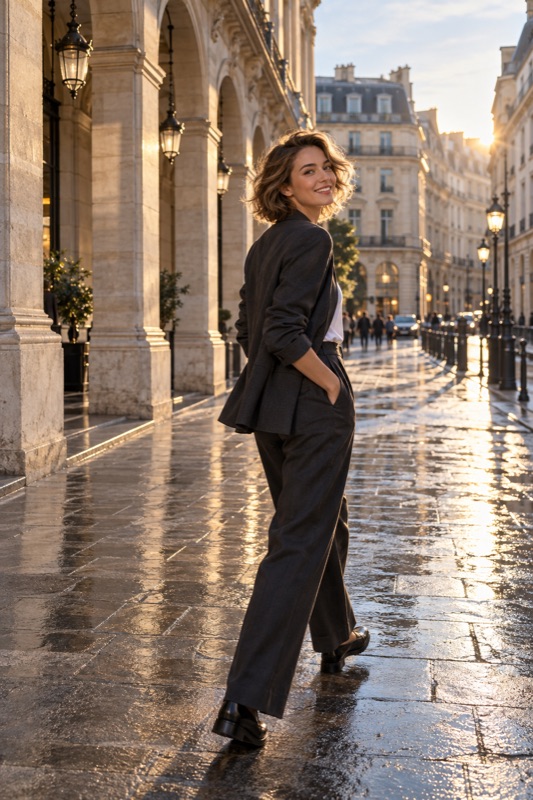
Before a photo stop, agree on one place-focused image, one portrait of each person, and whether you want a picture together. Set a shared stopping point, prepare the frame before swapping roles, and review a small selection before leaving. A useful checklist protects the trip as well as the photos.
Get it on Google PlayAgree on a small set, not an endless session
A travel photo stop can serve several goals: remembering the location, showing an outfit, or recording that you were there together. Say which matters most before either person starts posing. The checklist below is an editorial planning tool, not a rule that every destination needs a full photo session.
Agree on a stopping point: one satisfactory version of each priority, or when you need to leave. Wind, crowds, expressions, and changing light affect how many attempts you need.
Prepare the camera before taking turns
Check the lens, battery, available storage, and camera mode before asking someone to wait. Decide whether the photograph needs a recognizable landmark or a clean portrait background. A wider view can provide context, while a separate closer picture can prioritize a person without competing with the entire scene.
Adobe's portrait guide emphasizes the connection and trust between photographer and subject. For travel partners, that becomes a practical habit: show what you are trying, let the other person reject an uncomfortable setup, and swap roles before one person becomes the photographer for the whole trip.
Use a four-picture checklist, then adapt it
This is a suggested set, not a quota. Skip duplicates. If conditions make a portrait difficult, record a place detail; return later only if both of you want to.
| Picture | What it preserves | Check before moving on |
|---|---|---|
| Place with a person in it | Scale and the setting of the trip | The person is identifiable and the landmark has room |
| Portrait of the first partner | Their expression or outfit | The details they requested are visible |
| Portrait of the second partner | A balanced record of both people | The second person had a choice of framing too |
| A picture together, if wanted | A shared memory | Both people fit and agree on the saved image |
Worked example: one crowded viewpoint
Illustrative scenario: you reach a popular viewpoint with only a short stop planned. Instead of repeatedly asking for an empty background, take one wider place-focused frame from an available position. Then turn toward a quieter side wall for each person's portrait. The portraits need not include the entire landmark because the first picture already records it.
If you ask another visitor to take a picture together, explain one simple crop and point out the shutter. Keep the request brief and optional. If you use your phone's native timer instead, check that it is supported and that the phone is stable. This is not a claim that ShotCoach provides a timer.
Review once, then return to the experience
Before leaving, inspect priorities for closed eyes, missed focus, and missing details. Correct anything essential without restarting the session over tiny differences. Choose favorites later, when nobody is waiting in a pose.
For the individual portraits, ShotCoach AI can guide framing and supported camera adjustments. AI guidance is paid, capabilities vary, and you choose when to press the shutter. A helpful app should support your shared plan; the decision to stop photographing remains yours.
Before your next photo walk
How many travel photos should we take at each stop?
There is no required number. Choose the memories you want and stop when you have useful versions or reach your agreed time limit. Repeating a frame without a specific improvement rarely clarifies the task.
What if one partner wants many more photos?
Discuss it before the next stop. Agree on a short dedicated photo session and some time without camera duties, and make sure both people can request pictures they care about.
ShotCoach AI
Make the portrait part of your next trip easier to plan with ShotCoach AI on Android.
Get it on Google PlayAvailable for Android · AI guidance is paid